
In a nutshell
The Denon Home 400 combines open sound with Dolby Atmos, full network connectivity and integrated hi-res services including TIDAL, Qobuz and Amazon Music HD. The HEOS app makes setup straightforward, whether used solo, in a pair or as part of a multiroom system. A well-conceived sound partner for the living room.
Vorteile:
-
Modern design
-
Strong feature set
-
High-resolution audio support
-
Good Dolby Atmos presentation
-
Easy operation
-
Numerous connections
Nachteile:
-
Weaker sound in Pure mode
-
Unreliable favourites assignment
-
No Google Cast
-
Siri integration requires a HomePod
-
Sound quality at maximum volume
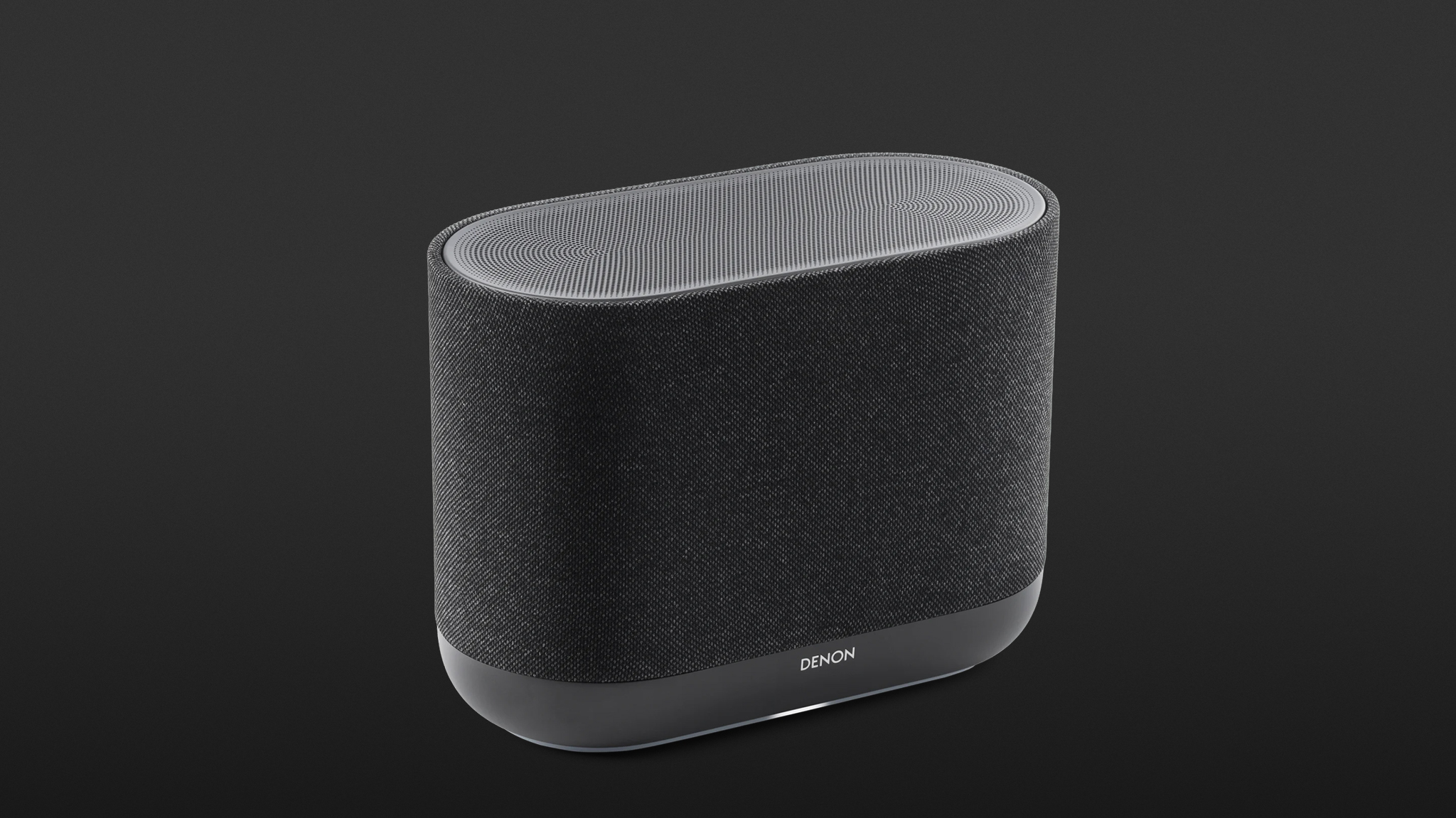
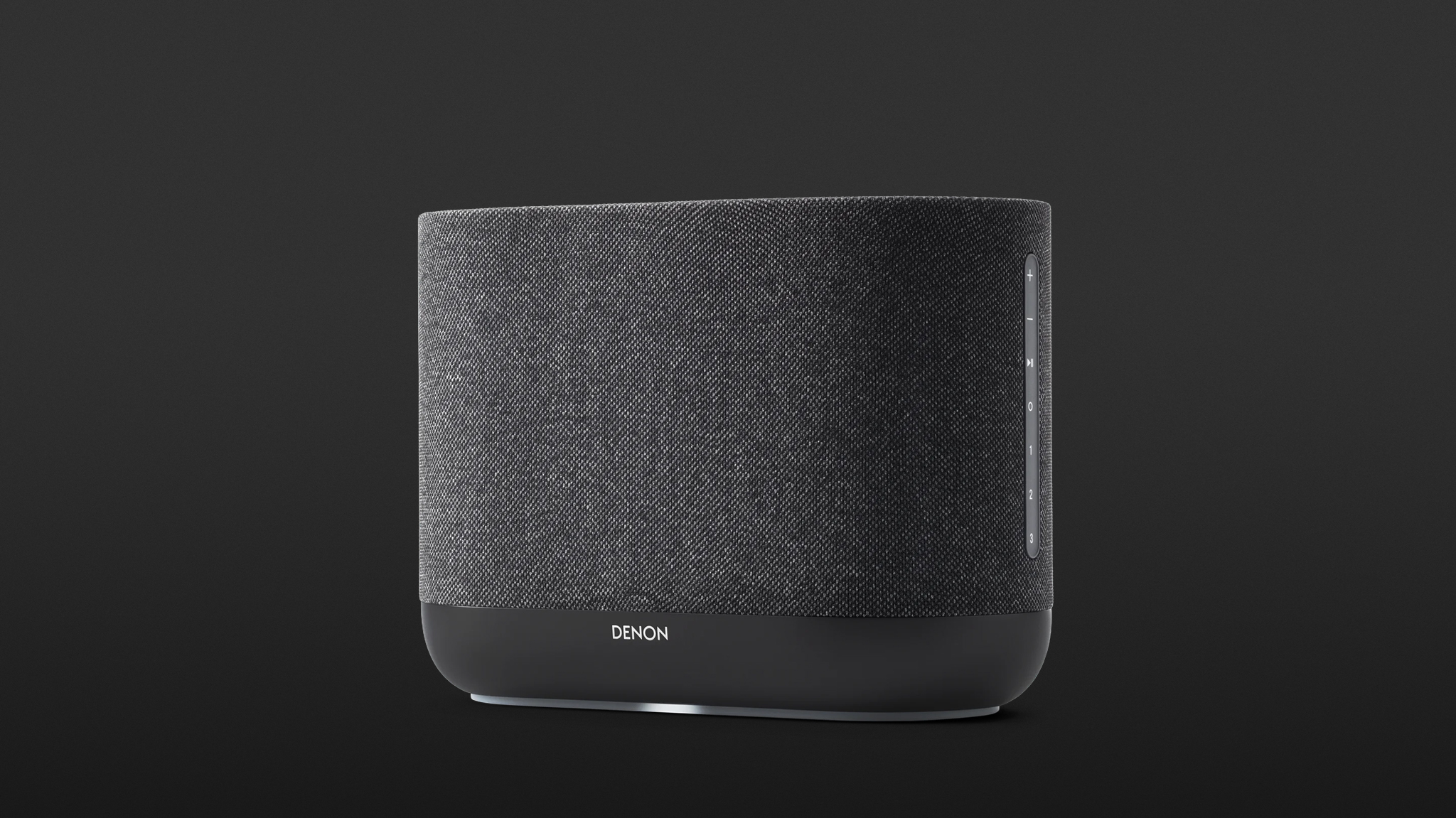
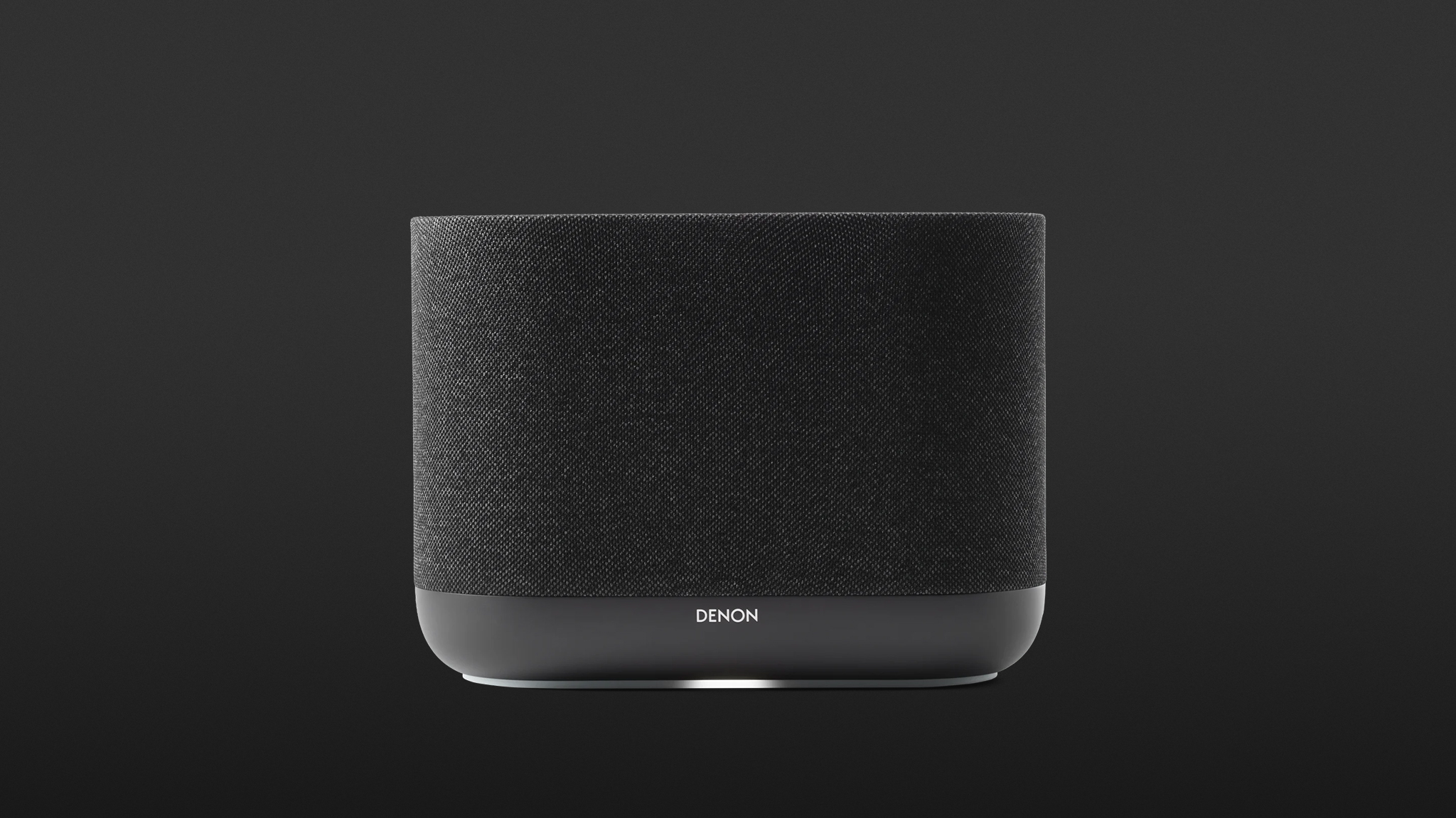
Denon demonstrates with the Home 400 exactly what a modern streaming speaker needs to hold its own in today’s living room.
Elegant Hardware
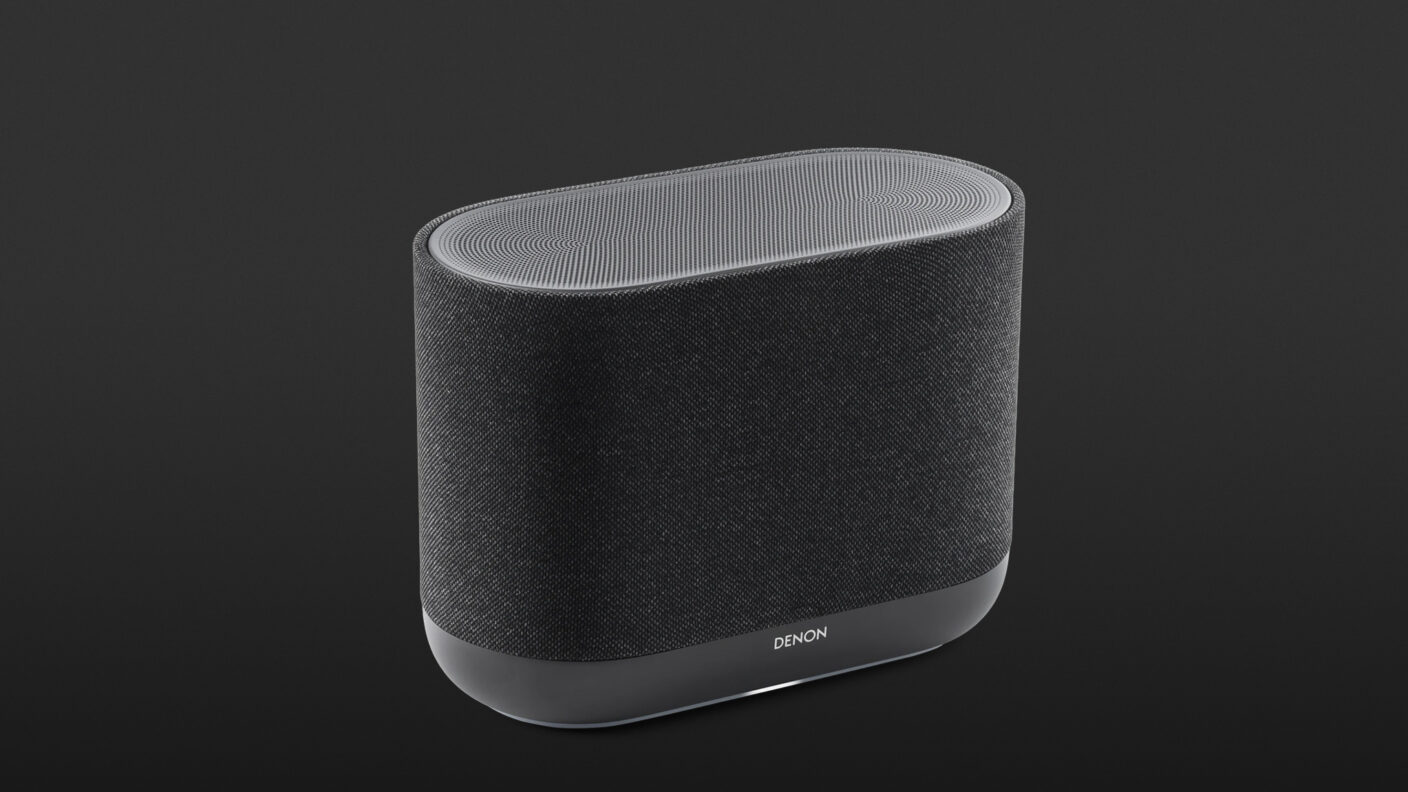
The Denon Home 400 arrives in a plastic-free outer box with a power cable. Two colours are available – Charcoal and Stone. The 4.6 kg weight is distributed across a housing measuring 30 × 22 × 15 cm, topped by a plastic sound grille. The Home 400 is wrapped all around in a fabric grille, which leaves the side control panel and the elegantly curved base exposed; the latter houses the central status LED.
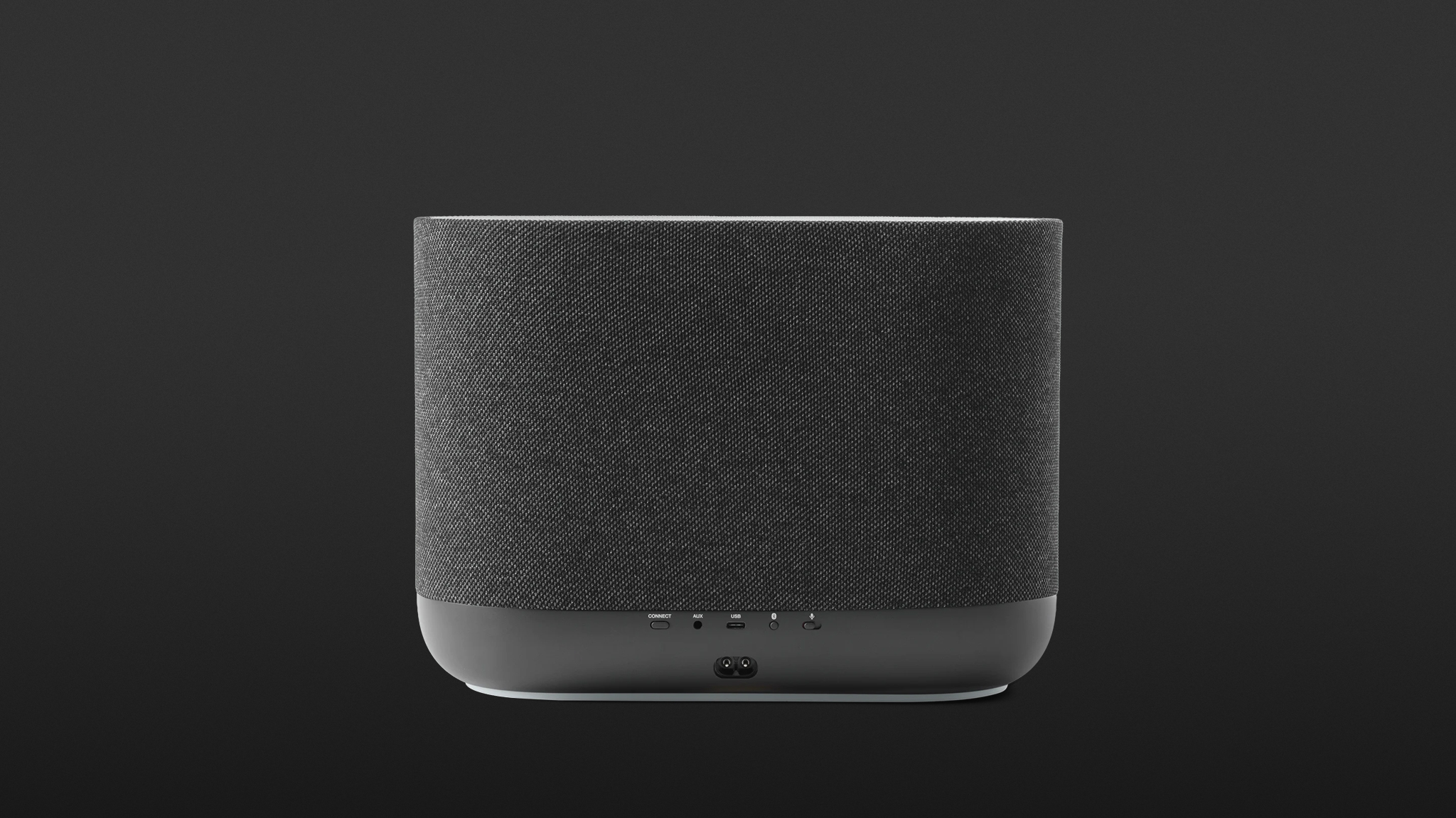
On the rear panel, there are Wi-Fi and Bluetooth buttons, power, USB-C and mini jack connections, as well as a switch to mute the built-in microphone used for digital assistant integration. On the underside, a 6.35 mm threaded mount allows attachment to a tripod or wall bracket.
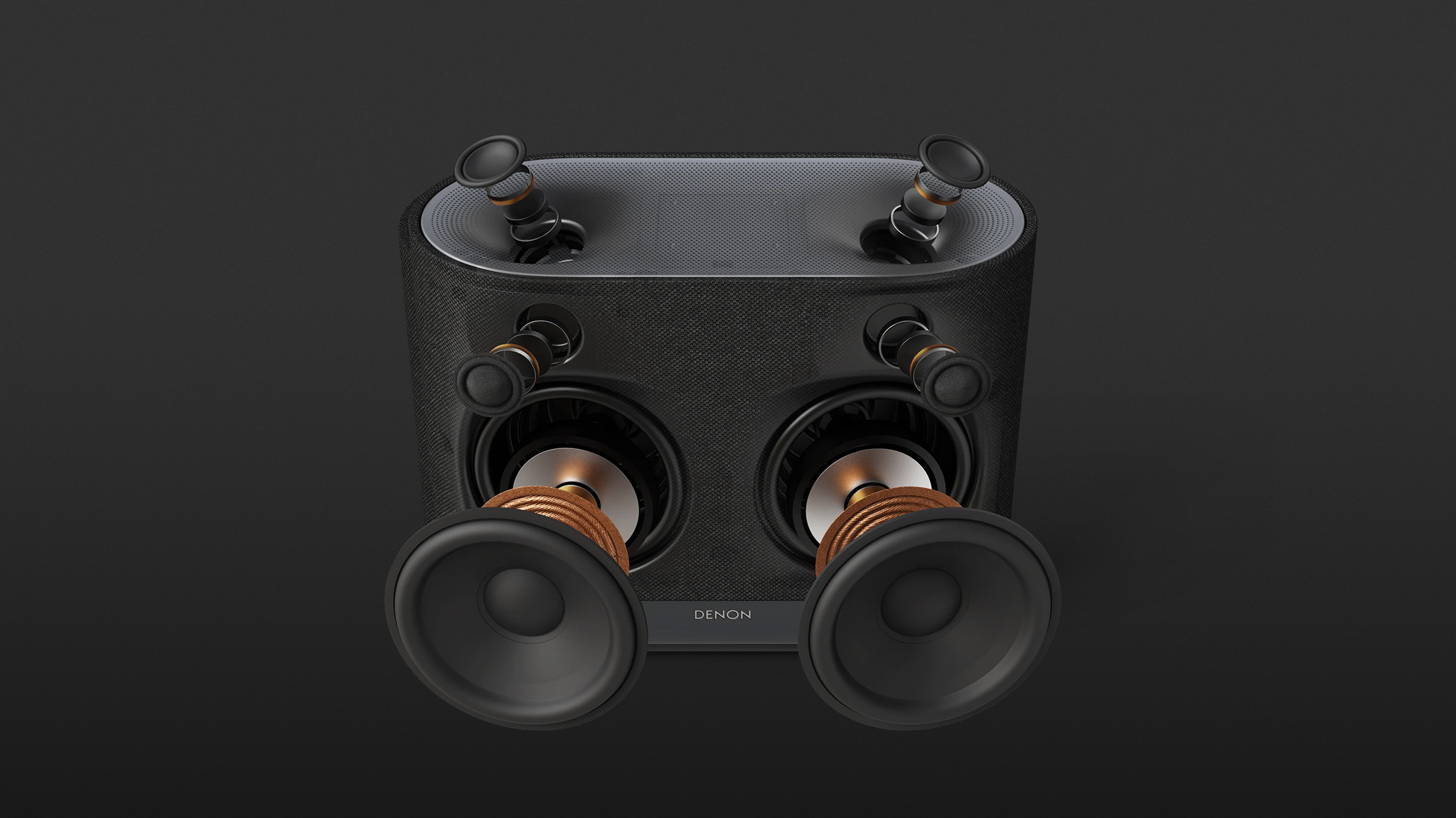
Inside the timelessly modern housing, two forward-facing 4.5-inch bass drivers and two 1-inch tweeters are complemented by two upward-firing 3/4-inch tweeters, all driven by six Class D amplifiers delivering a combined output of 90 watts.
Features, Functions and Connections
The fastest way to get the Denon Home 400 up and running after unboxing is to install the HEOS app from the Apple or Android app store, connect the speaker to power and press the Connect button on the rear. The app immediately takes over setup, prompts for the Wi-Fi password, and once entered, the process is complete.
Alternatively, Wi-Fi can be replaced by Ethernet, though a standard USB-C to Ethernet adapter is required to go the wired route. Streaming is then handled via AirPlay 2, Spotify Connect or TIDAL Connect. What is missing is Chromecast.
Those for whom the maximum resolution of 24-bit/192 kHz is not a priority can stream via Bluetooth 5.2 with the SBC codec. The system additionally allows input via the mini jack auxiliary connection or a standard USB flash drive.
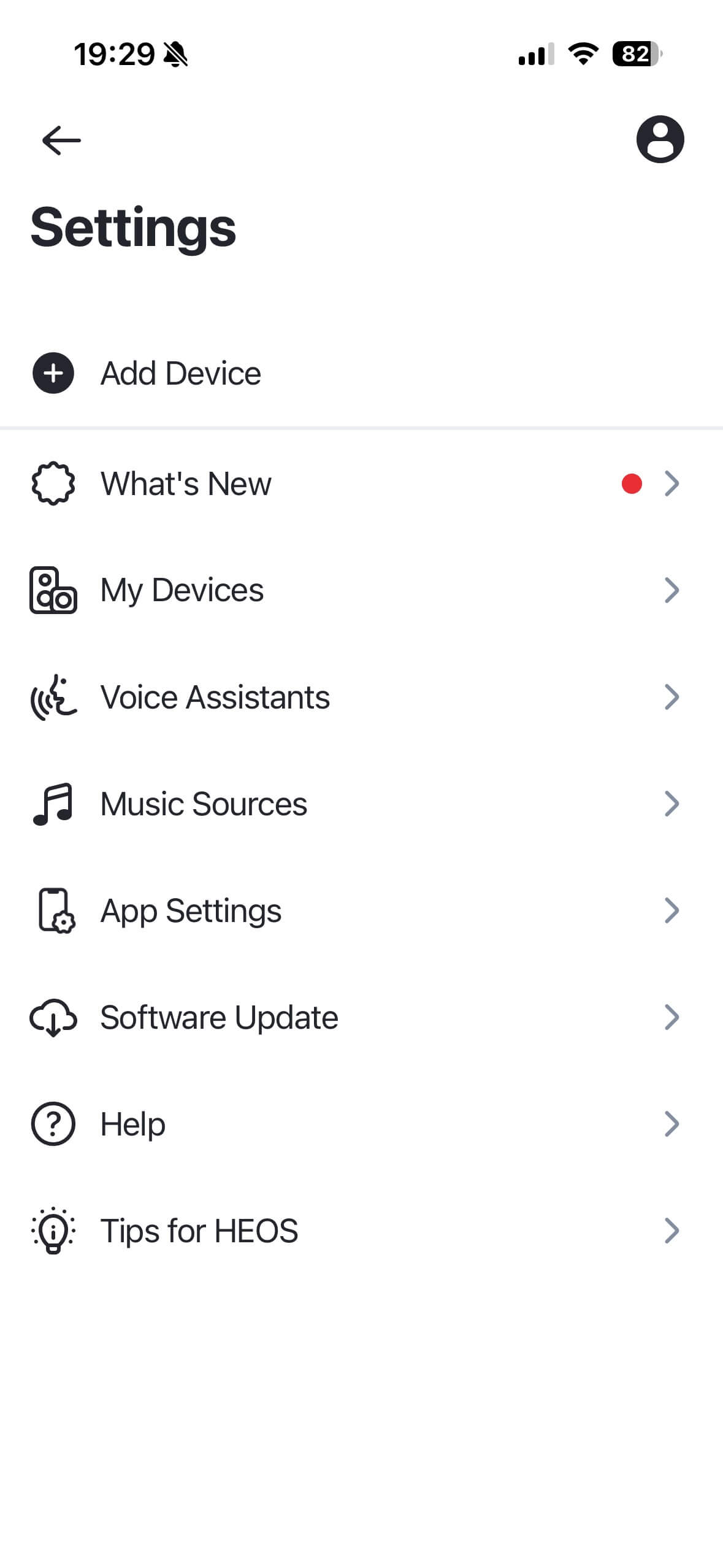
The HEOS app provides access to a wide range of music services, and depending on subscription, TuneIn, TIDAL, SoundCloud, Qobuz, Deezer and Amazon Music can all be used. A local NAS can also be accessed, and Roon Ready support is included as well.
The management of music services within the app is reasonably clear, though the favourites assignment – aside from TuneIn stations – did not work reliably in my experience. Siri integration also feels rather unwieldy, as it requires a HomePod. Overall, the HEOS app is informative, thorough and feature-rich. With extended use, however, inconsistencies begin to accumulate – for example in playlist creation, which can leave the user somewhat at a loss.
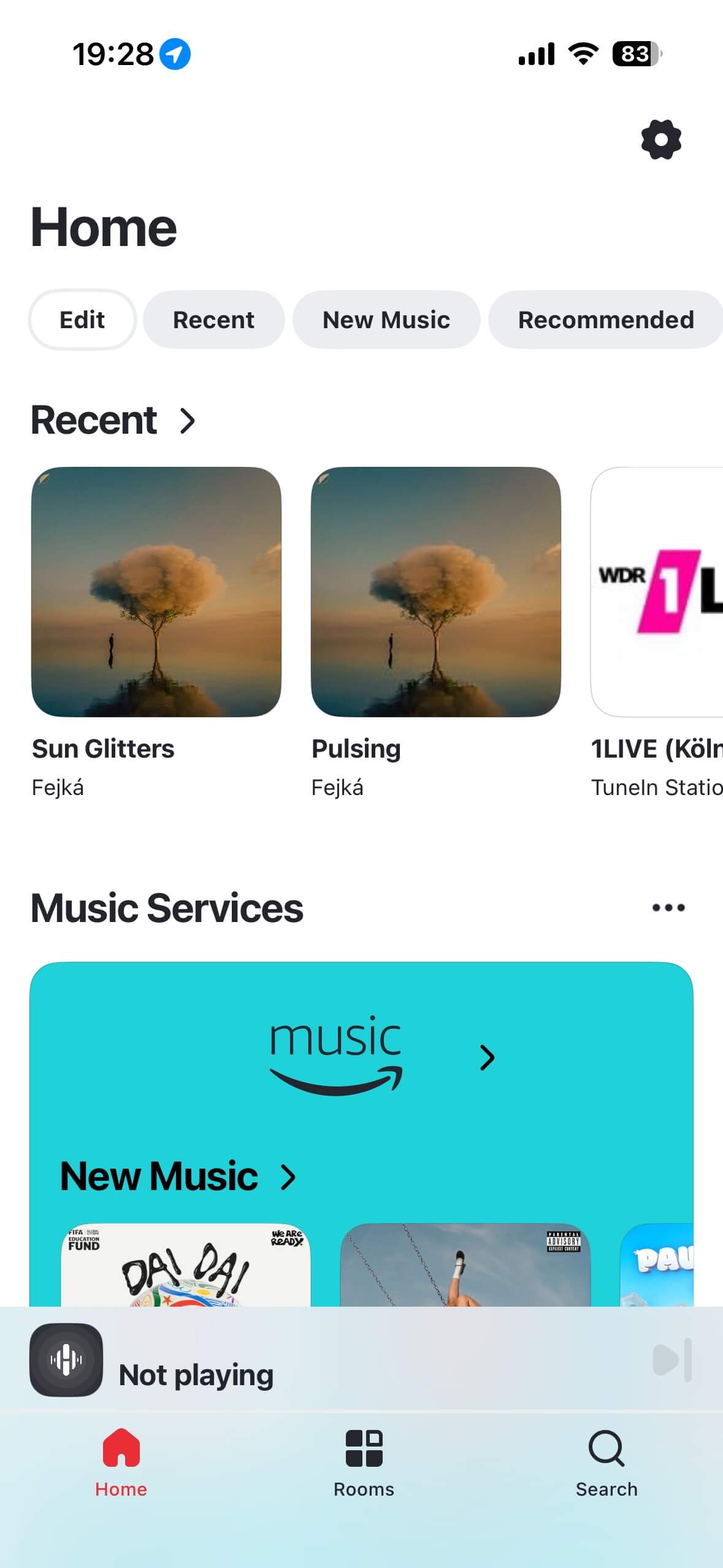
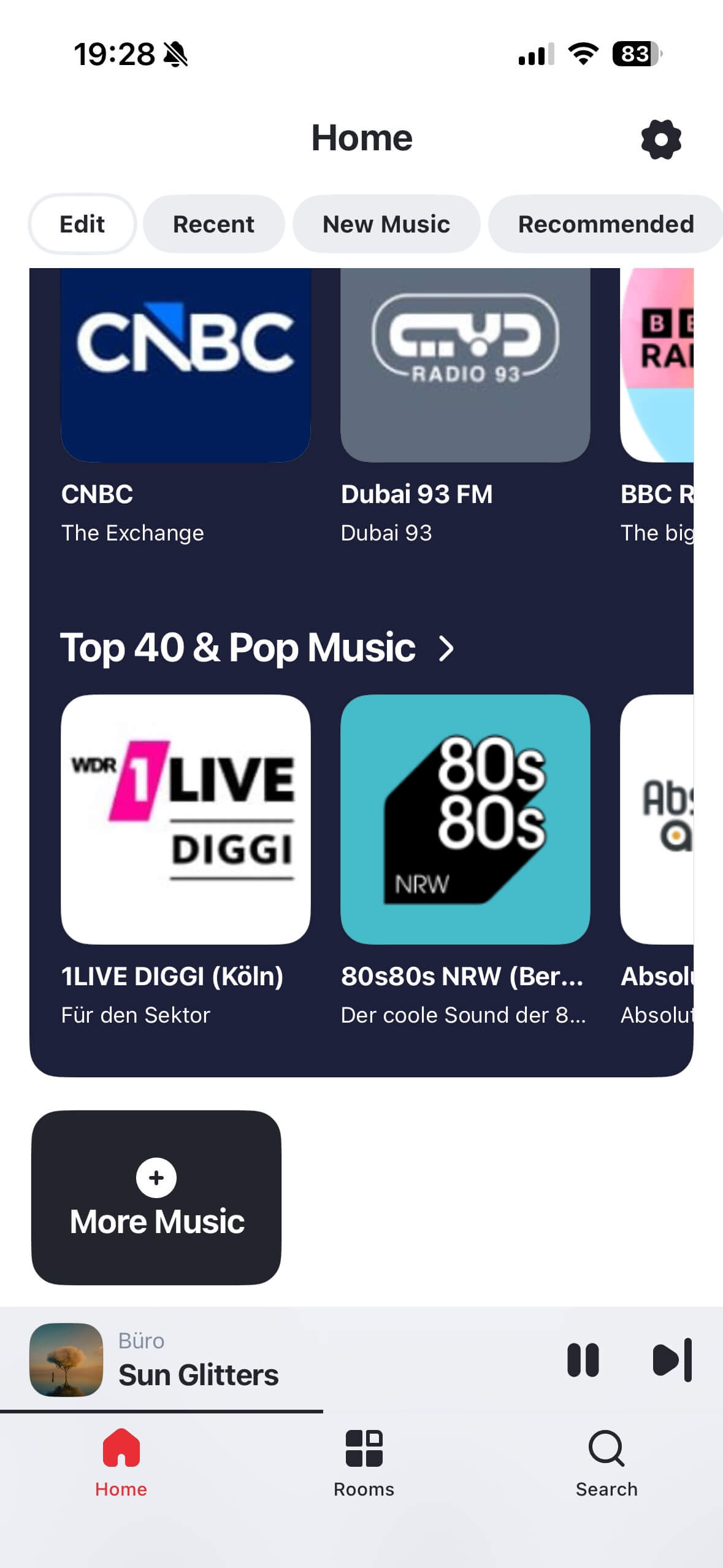
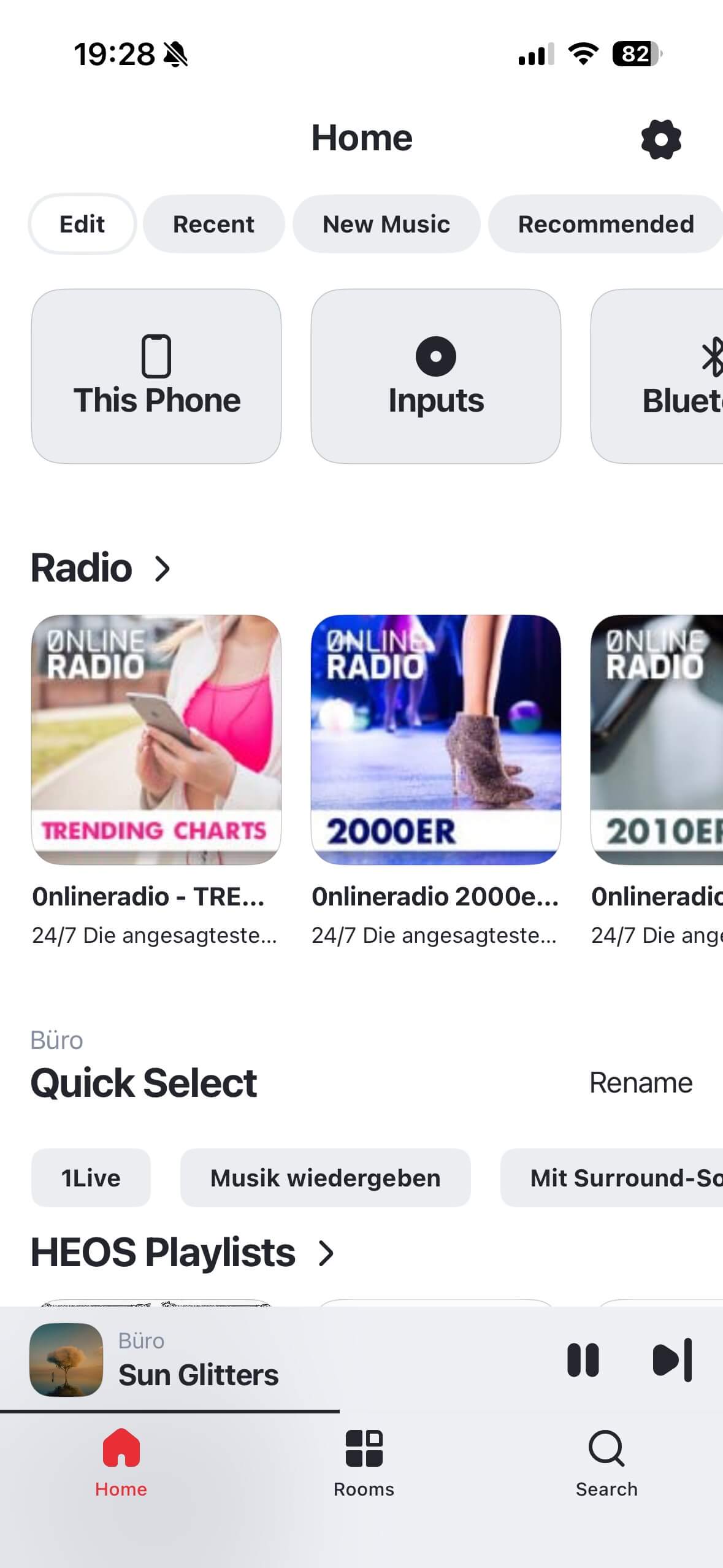
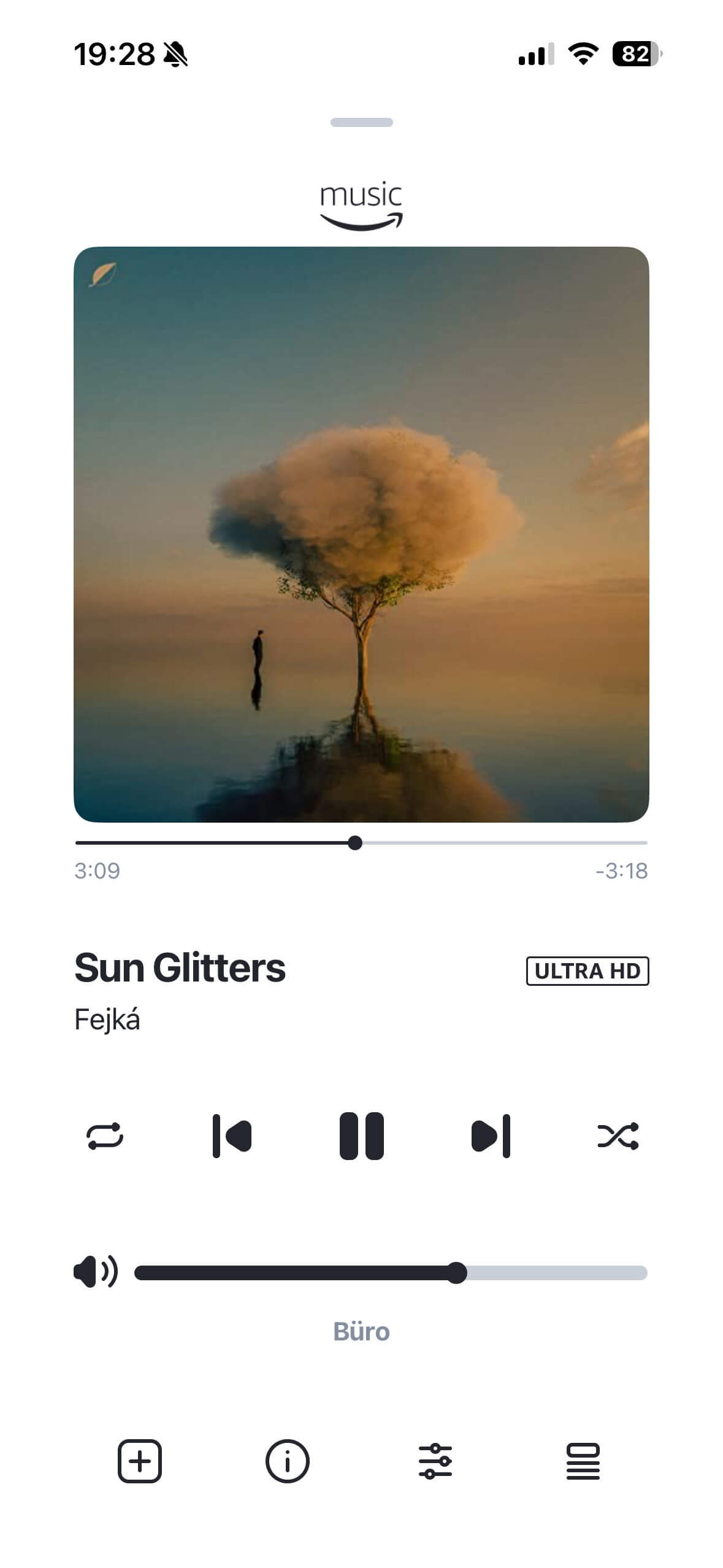
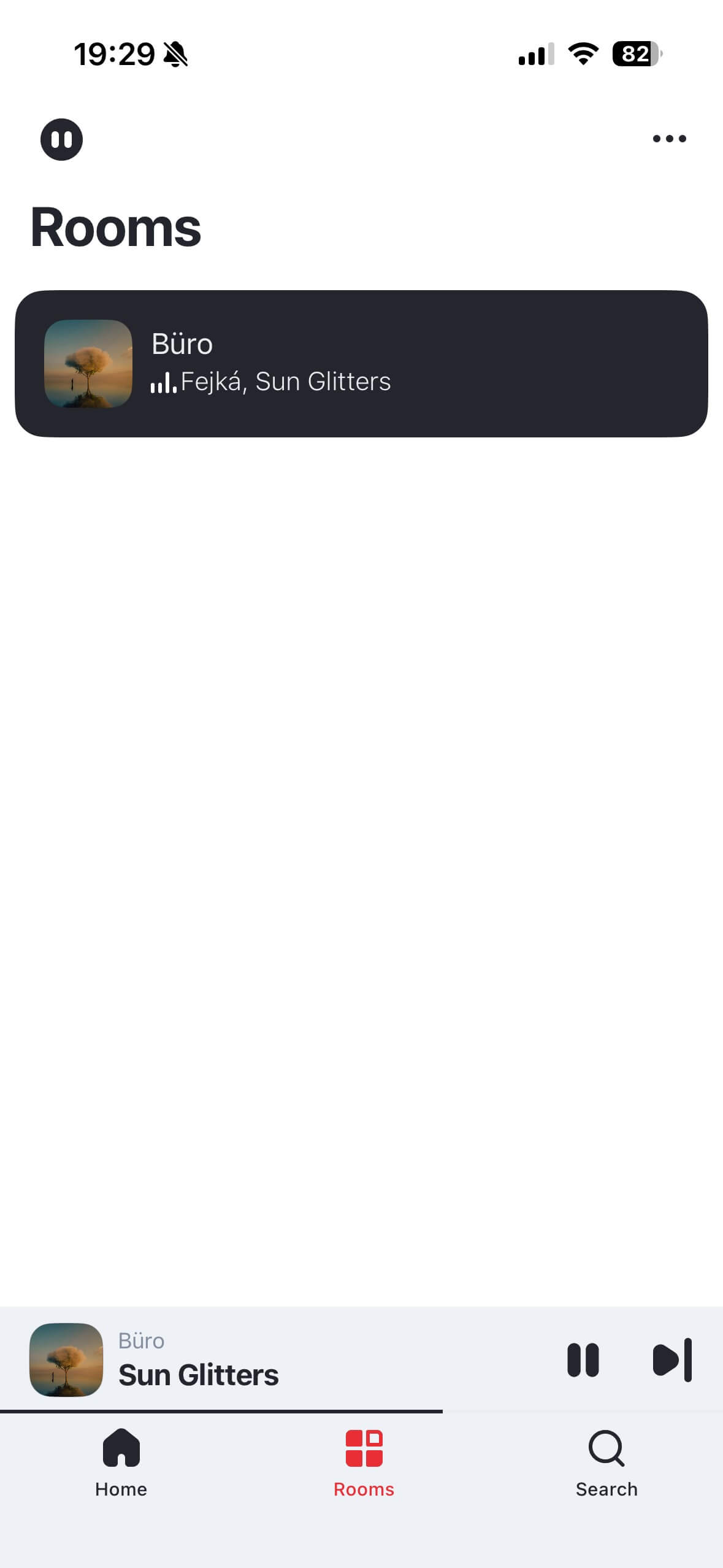
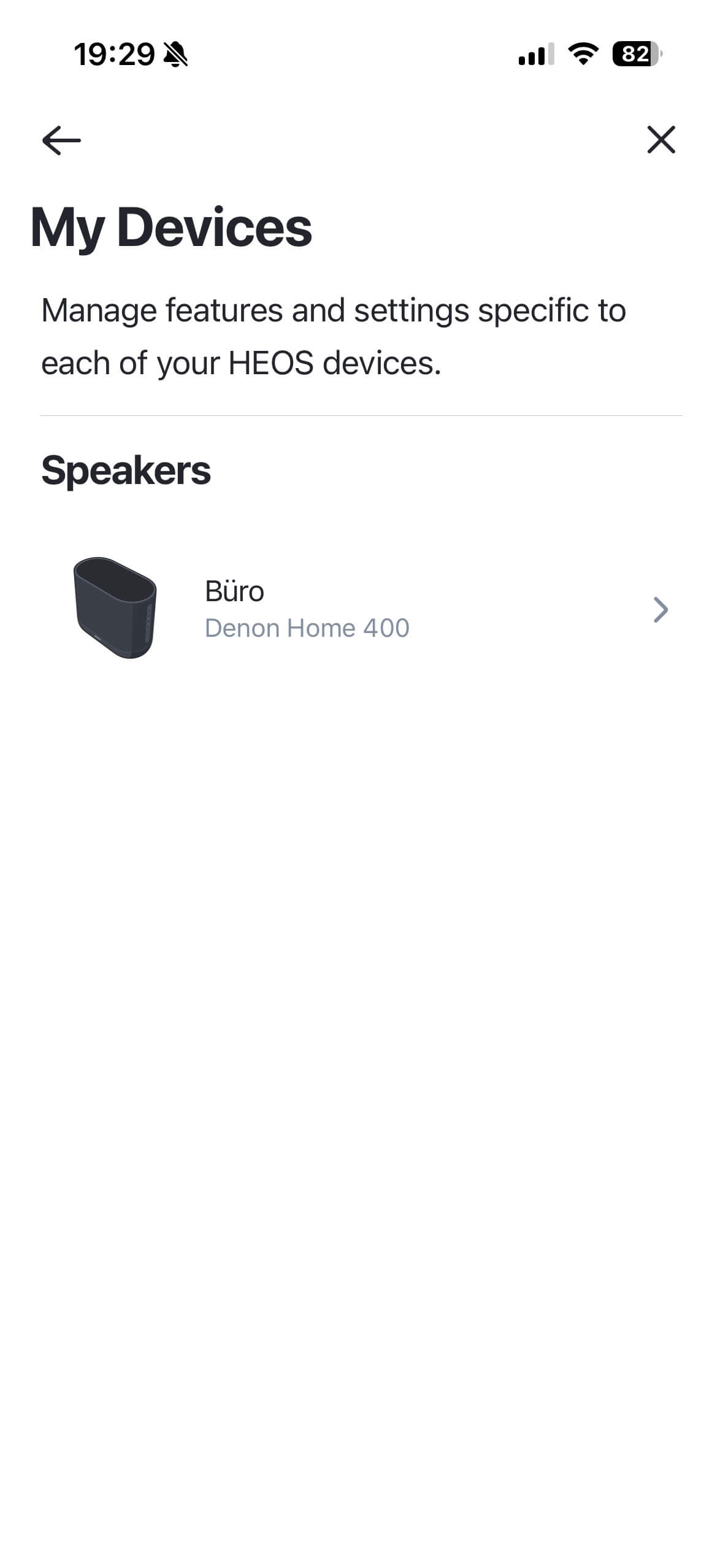
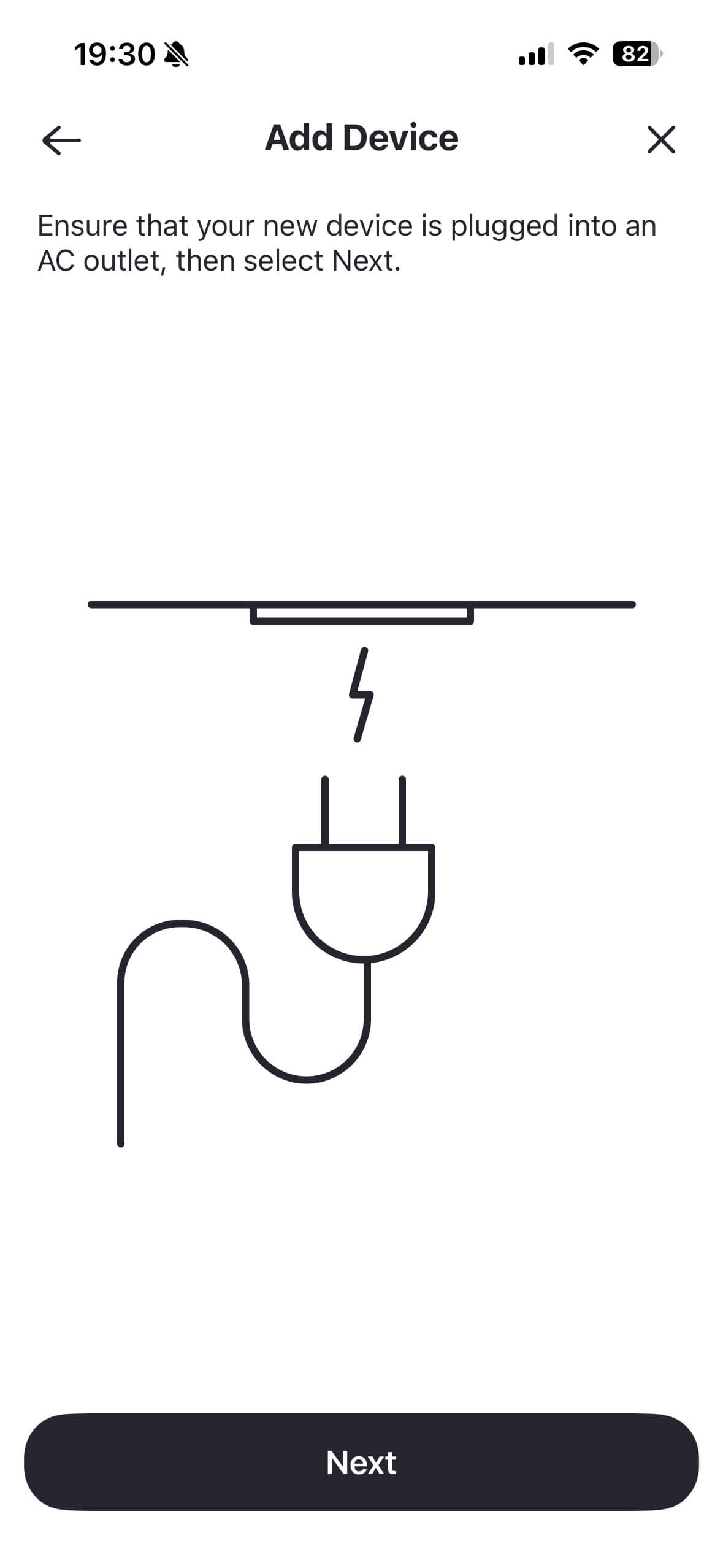
Streaming via the respective native apps combined with AirPlay proves more straightforward. This works just as reliably as integration into a multiroom system. Two Home 400 units can also be paired together to form a stereo pair.
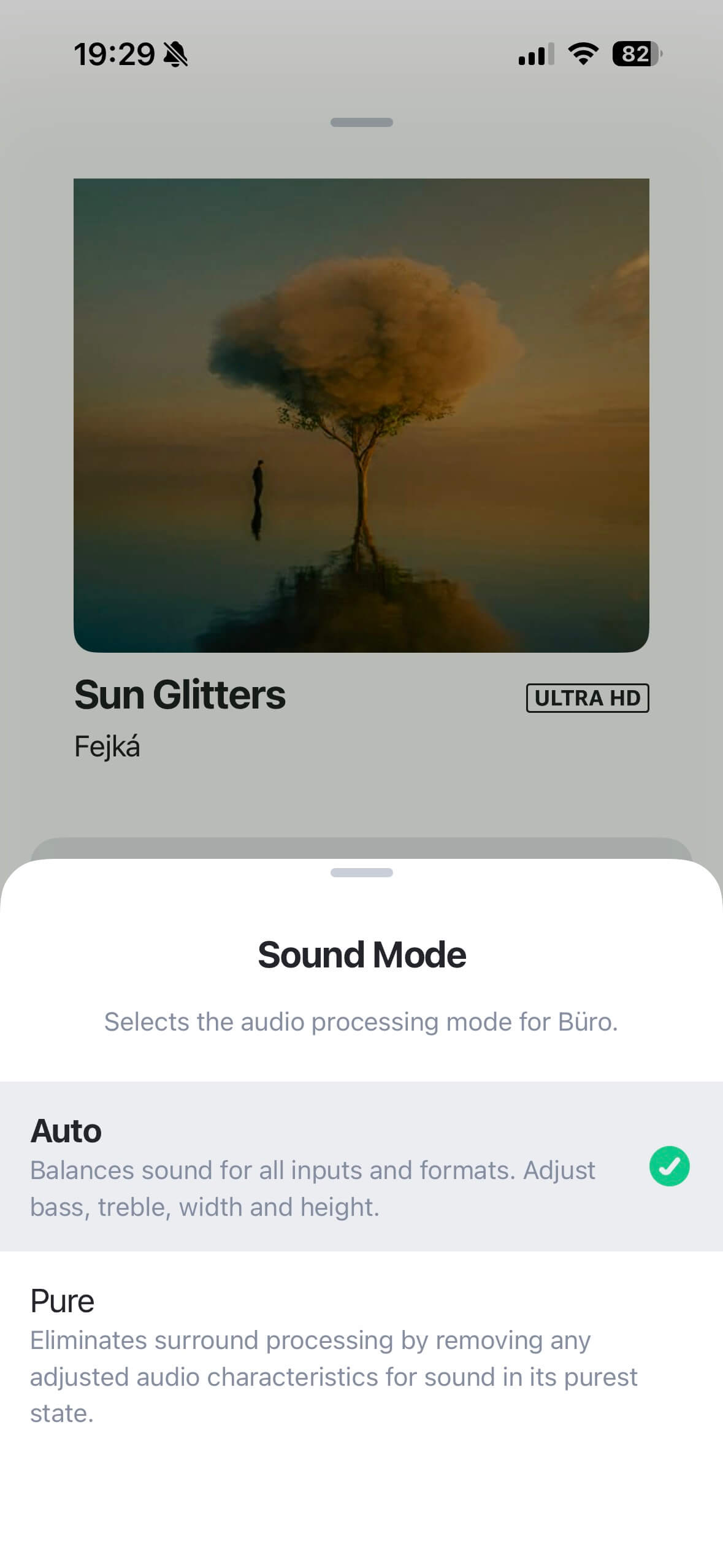
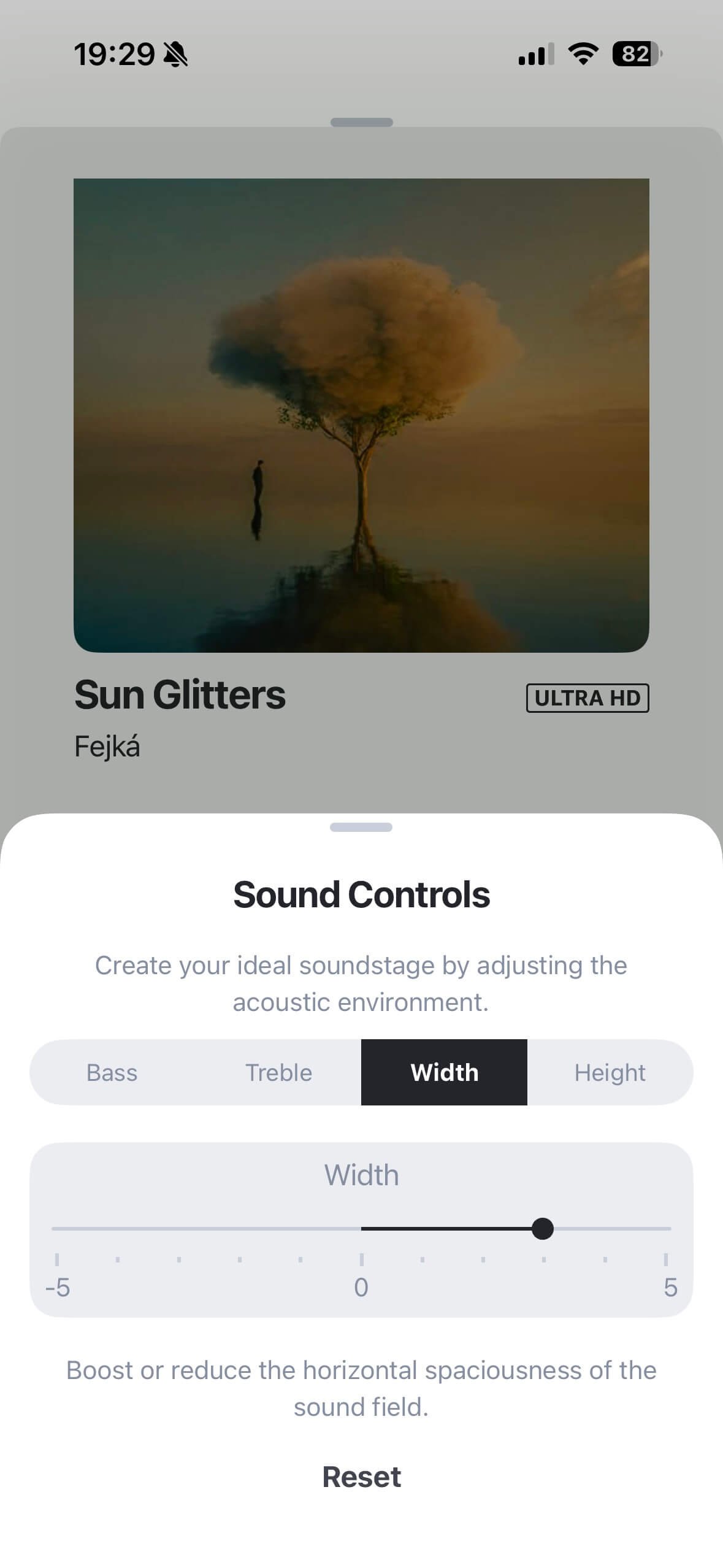
Once streaming is active, two sound modes are available: Surround or Auto, offering four options for adjusting treble, bass, projection width and height – enabling a genuinely immersive listening experience. The second option, Pure, deactivates Dolby Atmos. No further EQ adjustments are then possible.
Sound of the Denon Home 400
In terms of sound, the Home 400 performs cleanly, with depth and clarity, well-defined bass, and high-quality mids and highs that suit a wide variety of genres.
Thanks to the wide spacing of the drivers within the housing, the Denon Home 400 achieves a degree of stereo imaging, though this does not compare with a classic two-speaker setup. The HEOS app also offers three placement presets that adjust the sound for positions such as “freestanding”, “near a wall” and “in a corner”, effectively managing bass reflections.
Activating Dolby Atmos does not generally harm the listening experience; in fact, music available in this format sounds more convincing, precise and room-filling than with unadapted mixes, which can occasionally become somewhat muddied in the virtual space.
In combination with the width and height controls, David Gilmour’s latest album delivers a genuine sense of live atmosphere, while the pop sound of Ed Sheeran pushes forward energetically and is genuinely enjoyable.
If the effect becomes too much, switching to Pure and deactivating Dolby Atmos is simple enough, though this results in a noticeable drop in bass energy that can only be recovered via the limited onboard controls, since there are no internal EQ functions.
Pushing towards maximum volume causes the highs to begin breaking up, which does not sound particularly pleasant. Keeping below full volume maintains a noticeably more balanced presentation.
Verdict
The Denon Home 400 is an elegantly modern living room companion with a strong feature set, broad connectivity and intuitive operation – particularly noticeable during initial setup, everyday streaming and multiroom management. A few rough edges in the app can be overlooked, with firmware updates hopefully addressing these in due course.
Sonically, the Denon Home 400 convinces above all with its strong Dolby Atmos presentation for suitably encoded material and the associated adjustment options. In Pure mode, however, the sound falls noticeably short in terms of directness, depth and spatial presence.
Technical Specifications
| Specification | Value |
|---|---|
| Drivers | 2x 4.5-inch bass, 2x 1-inch tweeter (front), 2x 3/4-inch tweeter (upward-firing) |
| Amplifiers | 6x Class D |
| Total power output | 90 W |
| Audio optimisation | Dolby Atmos |
| Max. resolution | 24-bit / 192 kHz |
| Bluetooth | 5.2 |
| Codec | SBC |
| Streaming | AirPlay 2, Spotify Connect, TIDAL Connect |
| Services | TuneIn, TIDAL, SoundCloud, Qobuz, Deezer, Amazon Music |
| Connections | USB-C, mini jack (Aux), USB-A (flash drive) |
| Network | Wi-Fi, Ethernet (via USB-C adapter), Roon Ready |
| Tripod mount | 6.35 mm thread |
| Weight | 4.6 kg |
| Dimensions | 30 × 22 × 15 cm |
| Colours | Charcoal, Stone |
FAQ: Frequently Asked Questions About the Denon Home 400
Does the Denon Home 400 support Chromecast?
No. Chromecast is not supported by the Denon Home 400. Streaming is available via AirPlay 2, Spotify Connect and TIDAL Connect, as well as Bluetooth 5.2 with SBC codec.
Can two Denon Home 400 units be connected as a stereo pair?
Yes. Two Denon Home 400 units can be paired as a stereo pair via the HEOS app. The Home 400 is also compatible with other HEOS devices for multiroom setups.
What is the difference between Surround mode and Pure mode?
In Surround mode, Dolby Atmos is active, with four adjustment options for bass, treble, projection width and height. Pure mode deactivates Dolby Atmos and plays back the signal without further processing – though this results in noticeably less bass and spatial depth.
Can the Denon Home 400 be connected via cable?
Ethernet is possible via a standard USB-C to Ethernet adapter. There is also a mini jack input (Aux) and a USB-A port for flash drives.
Is the Denon Home 400 Roon Ready?
Yes. The Denon Home 400 is Roon Ready and can be integrated into a Roon setup as an output device.
Conclusion
Advantages / Disadvantages:
Advantages:
-
Modern design
-
Strong feature set
-
High-resolution audio support
-
Good Dolby Atmos presentation
-
Easy operation
-
Numerous connections
Disadvantages:
-
Weaker sound in Pure mode
-
Unreliable favourites assignment
-
No Google Cast
-
Siri integration requires a HomePod
-
Sound quality at maximum volume
Topics:
speakerShare Post:


About the author:

From
Sven Opitz
Redakteur
Sven Opitz, born in 1971, is a film maker with his own company. For some reason he has a penchant for headphones, the cause may well be deep in a past where a pretty headphone with yellow foam hung next to his father's UHER Variocord tape recorder. Now at kopfhoerer.de and headphonecheck.com, he connects his childhood with his ears.